 ADHD OS
Frozen on the Couch with a Looming Deadline? The Micro-Step SOS Guide for ADHD Task Paralysis
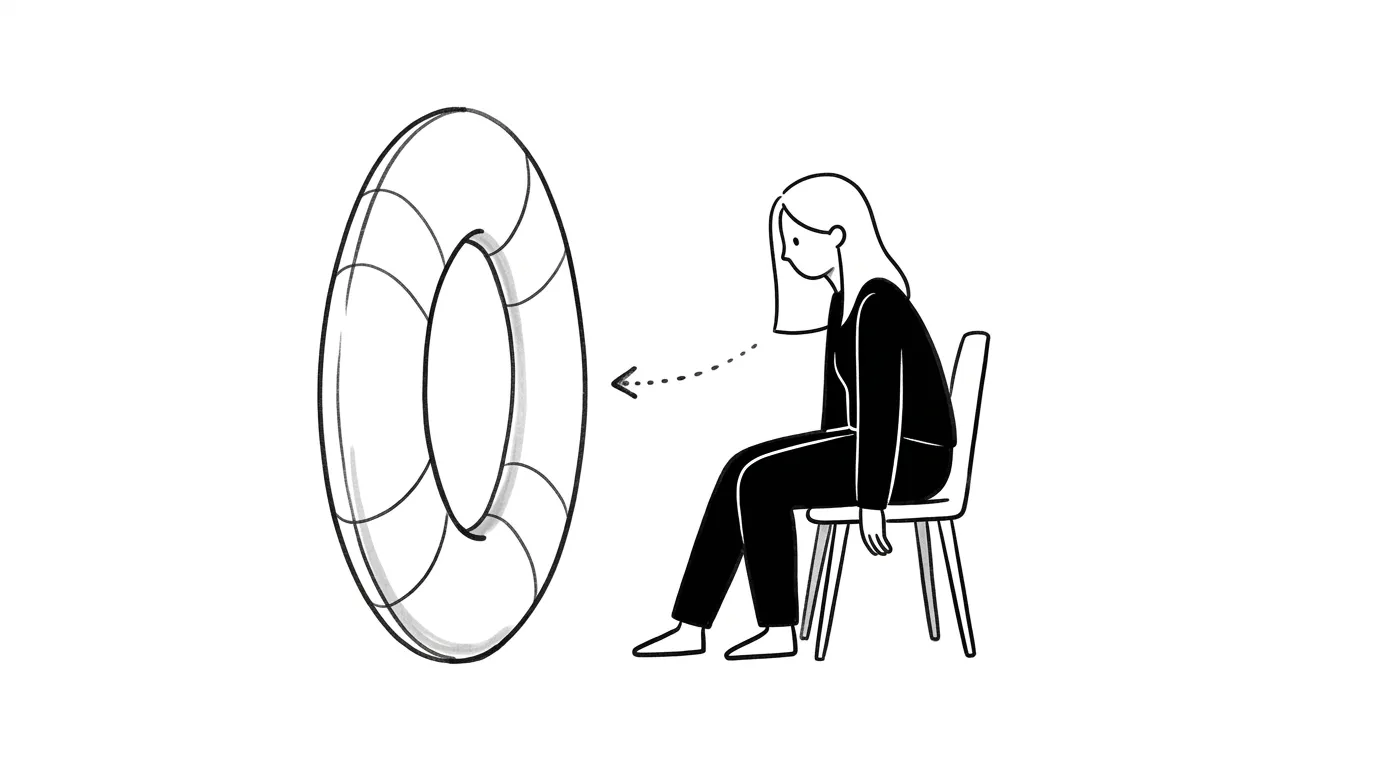
You know you have an urgent report to write, but you have been frozen on your couch scrolling your phone for hours, filled with guilt and dread. This is not laziness or a lack of drive; it is the defensive brain response of task paralysis. This guide offers a physical 10-second micro-step SOS framework to bypass the threat response and restart gently.
Most of the time, what keeps us from starting is not the difficulty of the task, but our brain labeling it as a painful, threatening monster.
When your mind screams “I must write this whole report today,” your prefrontal cortex simulates the massive energy required, the potential revisions, and the fear of failure.
For highly sensitive ADHD brains, this negative prediction triggers an automatic “fight-or-flight” response.
To escape this perceived danger, your brain retreats to your phone or zone-out mode to keep you safe. Your body is physically frozen, but your mind is racing at 200 mph in self-blame.
Forcing yourself to “just do it” with raw discipline does not work here.
You must bypass your threat radar using dopamine alignment and a few smart coping hacks.
1. Dump the Monster Out
When you are frozen, your brain is holding onto too many vague, stressful thoughts. First, use Brain Dump in ADHDOS to write down everything you are avoiding. Putting a name to the steps reduces the abstract threat level instantly.
2. Break the Physical Freeze: Enter SOS Mode
When you are in task paralysis, you don’t even have the executive energy to plan. At this point, open SOS Mode inside ADHDOS.
The logic of SOS Mode is: reduce the startup barrier of the first step to under 10 seconds, and make it physical.
It will not ask you to “write the report.” It only gives you one clear, minimalist button to do a tiny physical action, such as:
- “Put your hands on the keyboard and open a blank document named ‘Untitled’.”
- “Walk to the kitchen, pour yourself a glass of water, and walk back.”
- “Stretch your arms and take one deep breath.”
Once you complete this 10-second action, the fight-or-flight freeze begins to lift. You have proven to your body: “See? No danger occurred.”
Action breeds momentum; thinking does not.
Next time you are frozen on the couch, accept that your brain is currently offline. Take a breath, open SOS Mode, follow the first 10-second micro-step, and don’t give your brain time to escape.
Quick Q&A
Why is scrolling on my couch so painful when I am frozen?
Because it is 'avoidant procrastination.' You aren't enjoying a rest; you are fleeing a threat. Since your self-blame engine is running at full speed, your dopamine levels remain bottomed out, leaving you unable to work and unable to rest, draining your battery double-time.
What if I finish the 10-second SOS step but still cannot write?
That is completely normal. If you get to your desk and freeze again, the threshold is still too high. Take another step backward: 'just maximize the window,' or 'type one line of gibberish.' Give yourself permission to write absolute trash to bypass perfectionism.
Recommended Reading
Forget the Finish Line: How the "Two-Minute Glide" Beats ADHD Task Paralysis
Stuck in ADHD paralysis? Learn how to use the "Two-Minute Glide" method and micro-actions to lower starting friction, trick your prefrontal cortex, and build momentum.
How to Beat Task Paralysis: 6 Best ADHD Productivity Apps & Workflows
Struggling with ADHD task paralysis? Explore 6 top ADHD productivity apps (ADHDOS, Endel, Notion, Ash, Obsidian, Hermes Agent) and discover 4 low-friction workflows to boost executive function.
Frozen on the Couch with a Deadline? How to Break ADHD Task Paralysis
Understand the neurobiology of ADHD task freeze and learn how to bypass executive dysfunction using low-friction micro-steps.