 ADHD OS
Why Your Bookmarks Are a Black Hole: How to Build a Brain-Friendly Recall System for ADHD
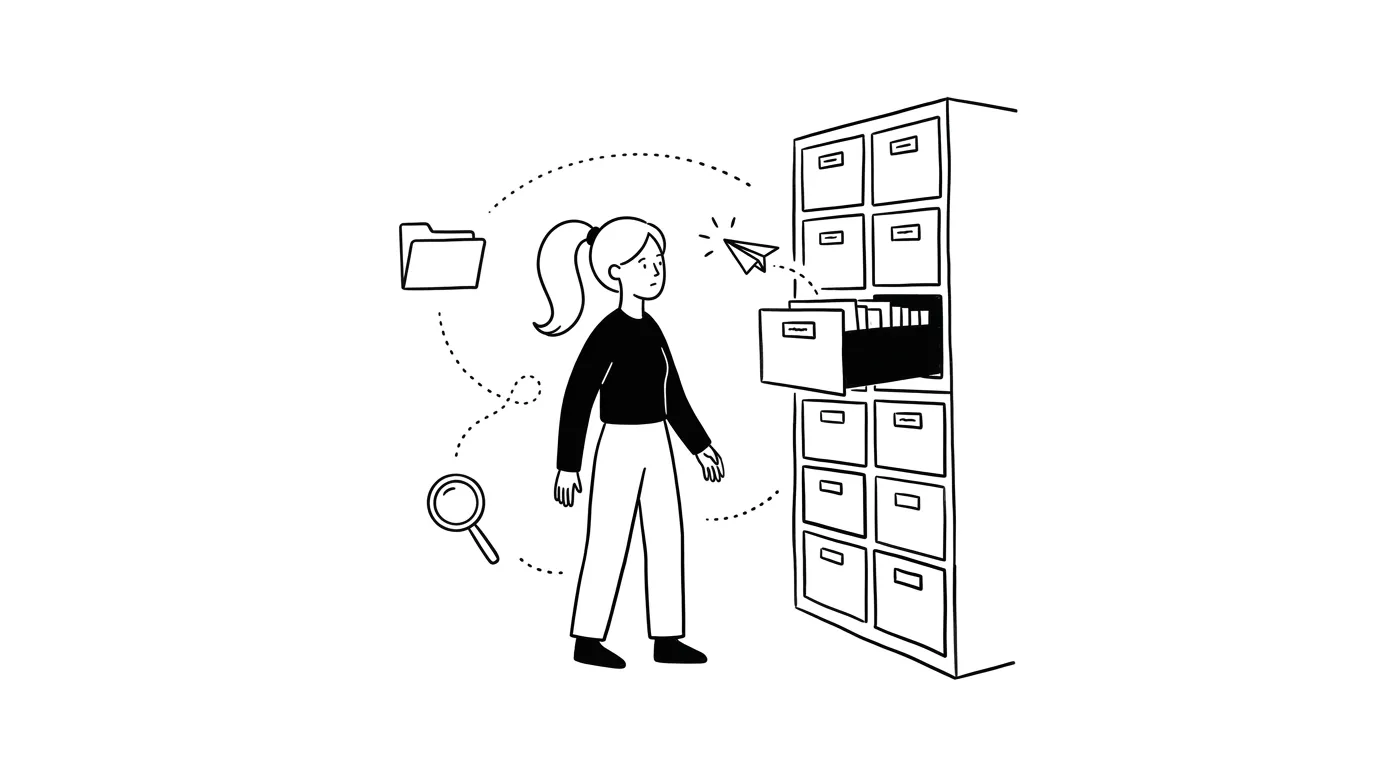
Do you save hundreds of “useful” recipes, organization tips, and tutorials, only to draw a complete blank when a crisis hits? This isn’t memory loss; it is our tendency to treat bookmarks as a “fake promise to our future self.” Once filed away, resources vanish from the ADHD brain’s active universe. Combining strategies we’ve figured out through trial and error, we must set up physical and digital intercepts, and apply gentle rules to release our brains from the hoarding debt.
“This three-minute organization hack is genius, save it!” “This lazy-day quick recipe looks delicious, I’ll cook it this weekend.” “This stretch routine for bad posture is perfect, bookmark it.”
Yet, when it is time to clear out your seasonal wardrobe, you stare at the piles of clothes on the floor, feeling completely paralyzed—with no memory of that “organizing hack” in sight. When you get home exhausted from work, you stare blankly into the fridge for ten minutes, only to order the exact same takeout as last night.
Months later, you accidentally click your saved folder and gasp: “Oh my god… I saved the exact solution right here!”
This deep frustration is a shared experience for neurodivergent people. We do not just struggle with information hoarding—we struggle with forgetting what we have when we actually need it.
Why do we forget the very weapons we collected when the battle begins?
The Psychology: What Are We Actually Bookmarking?
Behind the simple act of “bookmarking” lies the deep survival struggles and neurological traits of the ADHD brain.
1. Overcompensating for Loss of Control: The Illusion of a “Perfect Second Brain”
For many with ADHD, daily life feels chaotic. We lose things, run late, and struggle to manage routine tasks. Feeling powerless in reality, we crave a sense of order to buffer our anxiety.
This is when the bookmark folder becomes our “digital sanctuary.”
- The Illusion of Growth: When we see a beautiful organizing video or a systematic tutorial, hitting “save” gives us a tiny hit of dopamine. In that brief moment, we believe: My future self will become that organized, highly disciplined, perfect version of me.
- A Cognitive Debt: Hitting save is just writing an I.O.U. to the future. We trade a quick escape in the present for a cheap illusion of control. But when the future arrives, you will still be tired and foggy, and that I.O.U. remains uncollected. The larger your saved folder, the deeper your underlying sense of losing control.
2. The Collector vs. The Survivor: Two Brain States Divided
Why do we draw a blank when we actually need the info? Because at those two moments, you exist in two completely isolated mental states.
- When saving, you are the relaxed “Collector”: You feel safe. Your attention is broad, curious, and eager. Your brain uses its exploration and storage pathways.
- When crisis hits, you are the stressed “Survivor”: You are staring at a messy room or listening to your growling stomach. You feel overwhelmed and rushed. To save energy, your brain narrows its focus, enters a survival mode, and shuts down distant neural links.
You locked your life jacket in a safe on the shore. When you are drowning, you don’t have the mental bandwidth to remember where you left the key to the safe.
3. Shallow Scanning and the Shortcut Trap: Skipping the Pain of Rebuilding
Genuinely learning a skill (like cooking a meal or organizing a room) requires trial, error, mess, and mental effort. It comes with high friction.
clicking “save” is the easiest action in the world. It lets us take a shortcut in our minds, bypassing the discomfort of practice. But because no active rewriting or physical trial occurred, the information leaves no lasting trace in your brain. Without an index path, it cannot be retrieved under pressure.
Saving Your Bookmarks: Stop Hiding, Start Intercepting
Since we cannot rely on memory retrieval, we must plant triggers along our daily physical and digital paths. Integrating real solutions we’ve figured out together, we can rebuild our relationship with information through three approaches:
I. Physical Actions: Placing Triggers in the Real World
If a piece of information cannot enter your field of vision within 3 seconds, it is useless to an ADHD brain.
- Sticky Notes on the Washer: Saved a great tip for removing yellow stains? Don’t leave it on your phone. Write it on a sticky note and paste it directly on the laundry detergent bottle. The moment you do laundry, the method actively intercepts you.
- Magnetic Whiteboard on the Fridge: Wrote down quick recipes? Write them on a whiteboard stuck to the fridge door. When you open the fridge to stare blankly, the menu is right there in your line of sight.
- Visual Cards on Your Desk: Saved a stretch for lower back pain? Write it on a card and tape it below your monitor. When you sit there aching and sighing, it stares right back at you.
- Intentionally Obstacled Items: Saved a great yoga stretch? Lay your yoga mat right behind your desk chair. Even if you just trip over it, your brain instantly wakes up: “Oh, right, I saved that stretching video.”
II. Digital Actions: Setting Up Intercepts on Your Screen
If you must use these resources on your devices, place them on the virtual roads you travel every day.
- Pin High-Frequency Tabs: If you use a specific reference site daily for work or writing, do not bookmark it. Pin the tab to the far left of your browser. Every time you open it, the page immediately commands your attention.
- First Screen Home Widgets: Put your active checklists or task boards directly into widgets on your phone’s first home screen or today view. Make sure it forces its way into your sight every time you unlock your device.
- Pinned Chats: Send the 1 link you want to try this week to your own chat thread in your messaging app and pin it to the top. Every time you open the app, that red notification dot will remind you.
- Searchable Plain-Language Cues: If you have to save a note, write a brief comment describing the exact real-world scenario rather than a textbook title. For example, instead of Pasta Cooking Technique Guide, write: “How to make dinner when there are only tomatoes and noodles in the house”. When you are in survival mode, typing those words will retrieve the note instantly.
III. Mindset Shifts: Releasing the Hoarding Debt
Many of us have found that the key to uncluttering your mind is not a better sorting tool, but letting go of perfection.
- The “Read On the Spot” Rule: When you feel a desperate urge to save an article, force yourself to spend 3 to 5 minutes scanning its introduction and headings right then. Often, once your curiosity is partially satisfied, the urge to “hoard” it disappears, and you can let it go without saving.
- The “One-In, One-Out” Friction Strategy: If you absolutely must save a new bookmark, force yourself to delete an old one from your folder immediately. This minor friction slows down the impulsive saving loop, forcing your brain to ask: Is this new link really worth the effort of deleting an old one?
- The “Grief” Method / Letting Go: When saving a link, tell yourself: I am capturing a moment of curiosity right now, but I do not owe this link my future time. It is completely okay if I never open it again. Accepting that most bookmarks serve their purpose the moment they are saved removes the moral weight.
- The Monthly Purge Folder: Set up a single “Holding Tray” folder. Anything in it older than 30 days is bulk-deleted without previewing or agonizing. If you haven’t opened it in a month, it has already lost its relevance.
Letting Go: Permission to Forget
Finally, give yourself permission to forget.
If you tried your best and still didn’t recall a saved resource, it usually means two things: either the resource had too much friction for your current energy levels, or you had a more intuitive, comfortable alternative at hand.
Accept your real brain and its limited temporary memory. Let saved guides slip through your fingers. True knowledge and survival wisdom are meant to grow out of the ruins of making mistakes, experiencing chaos, and rebuilding with your own hands.
Quick Q&A
What if even that 3-item limit 'hallway table' folder gets cluttered and I'm too lazy to clean or delete things?
Don't try to organize it. The moment a system requires 'organizing,' it has already failed us. Instead, force physical boundaries to limit your options. For example, keep the folder on your phone's main home screen and limit it strictly to one screen height with no scrolling allowed. Once it is full, you simply cannot fit new items. Stop the hoarding at the source rather than relying on future cleanups.
Sticky notes on the washer or fridge work, but after three days, my brain just filters them out as background wallpaper. What should I do?
Novelty is our brain's fuel; the moment a cue becomes invisible, change it. If you've ignored a note for two days, tear it down immediately. Write a new one in a neon highlighter, or move it to a completely different spot (like directly on the laundry detergent cap). Changing the location, color, or handwriting wakes up the brain's alert system again.
Recommended Reading
Out of Sight, Out of Mind? Tackling ADHD Object Permanence Issues in Home Organizing
Once a cabinet closes, does its content vanish from your brain? Understand ADHD object permanence and build a visual, low-friction environment.
Waking Up in a Fog? How to Gently Boot Up Your ADHD Brain in the Morning
Stuck in heavy brain fog for hours after waking up, struggling to even get dressed? Learn how to align with your energy to boot up gently.
Time Blindness Messing Up Your Day? Visualizing Time for Chronically Late ADHD Brains
Cannot perceive how hours slip away? Or stuck in a painful "waiting mode" freeze before appointments? Discover hacks to tame ADHD time blindness.