 ADHD OS
Out of Sight, Out of Mind? Tackling ADHD Object Permanence Issues in Home Organizing
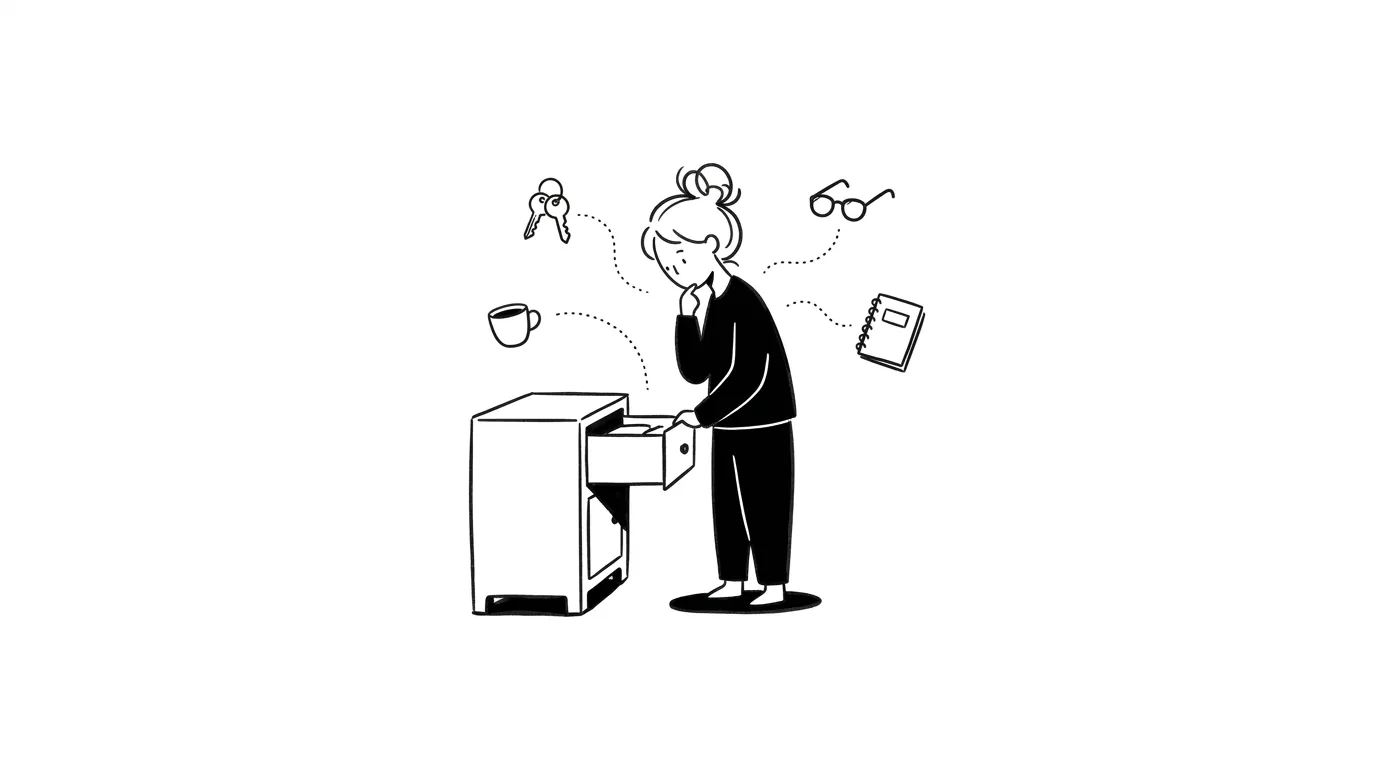
Have you ever tucked a useful tool into a beautiful, opaque storage box, only to never use it again, eventually buying a duplicate because you forgot you owned it? Or written a task in a notebook, only for it to vanish the moment you closed the cover? This isn’t laziness; it is the ADHD reality of object permanence deficits. Here is how to use visual management to stay in control.
You spent two hours on Sunday tidying your desk. All your pens are in drawers, files are hidden in binders, and the tabletop is pristine. You smile. But on Monday morning, you sit at your clean desk, and your mind goes blank. You have no idea what tasks are outstanding, completely forgetting the urgent project you left unfinished on Friday. To avoid forgetting, you start taking out your mug, cables, pills, and sticky notes, scattering them across the table. Three days later, your desk is in chaos again. Does this pendulum swing between “minimal but forgotten” and “visible but messy” define your life?
This is not a character flaw. It is a biological reality: the ADHD brain lacks robust object permanence.
Out of Sight, Out of Mind: The Neuroscience of Working Memory and Visual Cortex
In developmental psychology, object permanence is the understanding that objects continue to exist even when they cannot be observed. Babies develop this around age two.
For adults with ADHD, however, executive function deficits in the prefrontal cortex create a lifelong cognitive blind spot.
This issue is closely tied to our extremely narrow working memory capacity. While a neurotypical brain operates with a background ledger that tracks hidden tasks and items, the ADHD brain operates like a funnel:
- Occipital Lobe Visual Activation Deficit: Our memory access is highly visual. The moment an item is hidden behind a cabinet door, or a digital document is buried inside nested subfolders, the light signals to our occipital lobe cease, and the neural activity associated with that object drops to zero.
- No Background Refresh: Our brain struggles to refresh mental targets without environmental triggers. Once out of sight, an item ceases to exist in our active consciousness. We buy duplicates of tools we own or neglect critical deadlines because the notes are closed.
To prevent tasks from “dying” in our memory, we clutter our physical surfaces, creating a messy but necessary visual safety net.
Low-Friction Organizing Rules for Object Permanence: Cognitive Unloading
To align with the “out of sight, out of mind” trait, make your physical and mental space visible, enabling visual cognitive unloading and coping hacks.
1. Physical Storage: Transparent & Lidless
- Dump opaque bins: Replace cabinet doors with glass panels or remove them entirely. Storage bins must be clear plastic or open wire mesh. Your eyes must penetrate the container.
- Remove lids: Lids are barriers to action. Adding the step of opening a lid increases friction, making us drop items on top of containers rather than putting them away.
2. Digital Workspace: Use Boards for Digital Display
If you bury tasks inside nested folders or bookmarks, they will gather dust. Open the Board module in ADHDOS to serve as your digital display table:
- Outsource Working Memory: Flatten your files. Place active projects, web page bookmarks, and templates on a visual board.
- Keep it Visible: Keep the Board window pinned to one side of your active work screen. Use this visual card wall to replace your fragile working memory, keeping projects alive.
3. Visual Pathway Anchors
Place critical physical items (like medication or keys) directly on your physical pathway (e.g., next to your coffee maker). Let the physical environment trigger your actions.
Quick Q&A
If I keep everything visible, won't my home look cluttered and stress me out?
Redefine 'tidy' as 'easy to find and low-friction' rather than 'sterile minimalism.' Use open shelves or clear rolling carts. Visual exposure is fine as long as there is a clear frame for where items belong—this is an elastic order designed for ADHD.
I forget online bookmarks and articles the moment I close the tab. How do I fix this?
This is digital object permanence failure. Don't hide links in nested browser bookmarks. Copy-paste active course and document links directly onto your ADHDOS Board. Let the Board serve as your visual deck.
How do I avoid forgetting seasonal clothes packed away in closets?
Use the 'photo-tagging' method. Take a photo of the clothes inside a bin, print it, and tape it to the front. Visual labels replace the need to guess what is inside, allowing you to see through closed lids.
Recommended Reading
Running Too Many Threads in Your Brain? Resolving ADHD Multitasking Paralysis
Brain spinning in multi-threaded overload while your body sits frozen doing nothing? Learn how to clear your prefrontal memory to break the freeze.
Shopping for Quick Dopamine Hits? How to Curb ADHD Impulsive Buying Without Self-Deprivation
Late-night online shopping leaving you with items you do not need and bills you regret? Understand ADHD impulsivity and align your dopamine.
Overwhelmed by a Tiny Setback? Emotional Dysregulation and Landing Techniques for HSP & ADHD
Does a minor frustration throw you into a catastrophic spiral? Understand neuro-divergent emotional dysregulation and learn somatic and cognitive landing tips.