 ADHD OS
Running Too Many Threads in Your Brain? Resolving ADHD Multitasking Paralysis
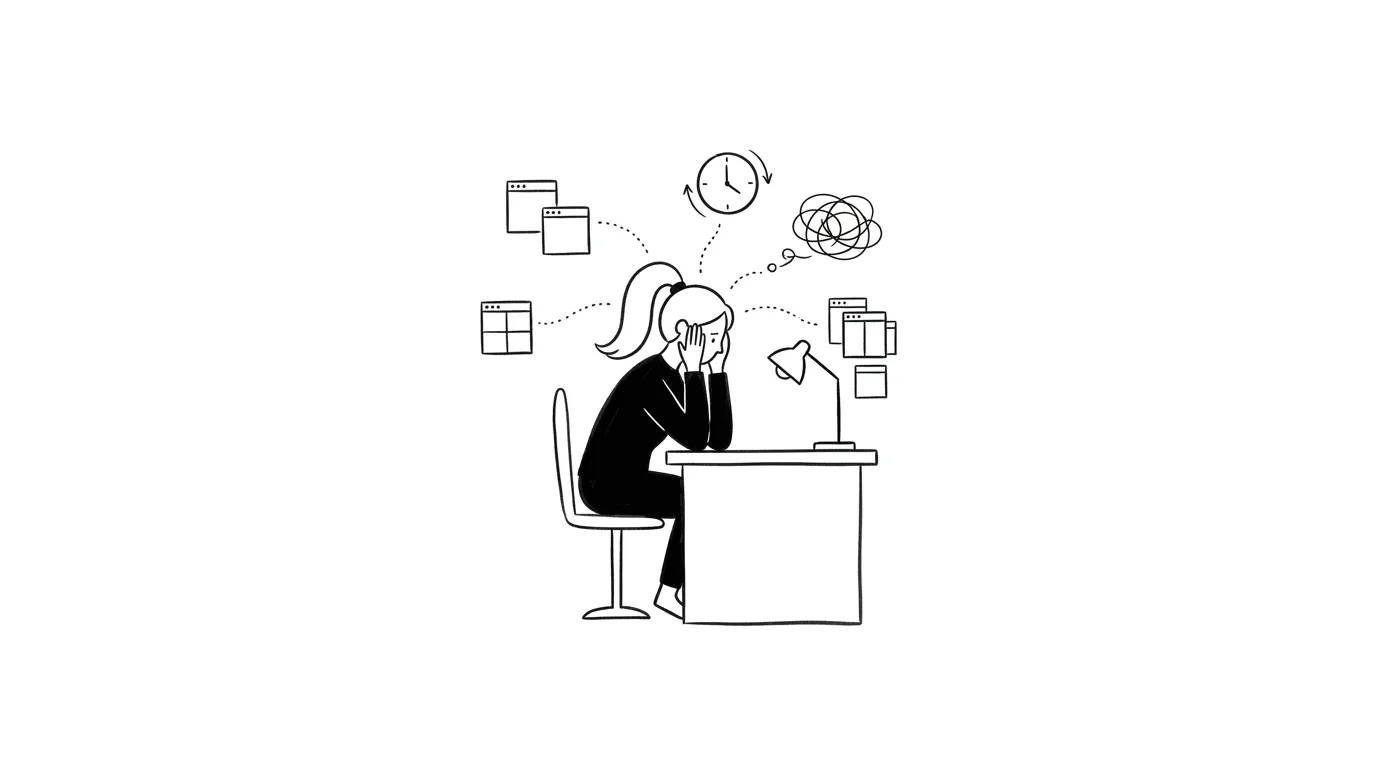
Have you ever sat at your desk with your brain shouting: I need to reply to emails, write the weekly slides, and finish reading that guide? Every task feels urgent. You open 100 browser tabs, bounce between windows, and end up writing zero words. This is multitasking paralysis in ADHD. Your prefrontal cortex is out of RAM. Here is how to manually force-close background apps.
You sit at your desk. Your screen is cluttered with 15 open browser tabs, 3 half-written Word documents, and active group chats blinking in the corner. In your head, ten voices are shouting at once: Reply to the manager! Finish the slides! Read the meeting notes! You feel every item is critical. You open your mail, type two words, switch to drawing a slide, and then immediately bounce to chat. Two hours pass. You are exhausted, every project is unfinished, and you sit staring blankly at your screen, frozen.
To others, you look busy. But internally, your brain is experiencing a severe multitasking deadlock.
Brain RAM Freeze: The Limits of Working Memory and Executive Control Networks
In modern corporate environments, multitasking is celebrated as efficiency.
However, neuroscience demonstrates that the prefrontal cortex is a single-threaded processor. What we label “multitasking” is actually rapid, high-energy attention switching managed by the Executive Control Network.
Each switch demands a significant metabolic price, known as a switching cost. For an ADHD brain, which lacks baseline dopamine and struggles with sensory gating, multi-threading is a recipe for system crash:
- Working Memory (RAM) Overload: Our working memory is small. When the details of multiple tasks flood the brain, the available space is saturated, leaving zero bandwidth for actual critical thinking.
- Cognitive Thread Deadlock: When working memory overflows, the executive network stalls, unable to resolve which high-friction task to prioritize. To prevent total failure, the prefrontal cortex enters “safe mode”—physically freezing your body to block incoming commands.
You sit doing nothing, yet your brain is running hot, burning up glucose as if you were running a marathon.
Force-Closing Background Apps: 3 Steps to Clear Your Mental RAM
To resolve the deadlock, you must reduce the load on your prefrontal cortex, forcing your brain into a single-thread state.
1. Brain Dump: Suspend Active Background Threads
Do not let outstanding tasks run in your head. Open the Brain Dump panel in ADHDOS. Write down every “need to do” item floating in your consciousness without structure. This is active cognitive offloading. Putting these items in writing signals to your brain: This process is archived; you can free the memory bandwidth it occupied.
2. Visual Filtering: Enter Zen Mode to Block Distractions
Multitasking urges are triggered by visual cues: open windows, bookmarks, and notification dots. Turn on Zen Mode in ADHDOS. This hides every window and tab except the active editor block. Eliminating visual noise reduces the energy needed to suppress distractions, protecting your prefrontal cortex.
3. Single-Thread Lock: Run a 15-Minute Focus Clock
Pick the easiest task from your dumped list. Set the Focus Clock to 15 minutes. Tell yourself: “For these 15 minutes, even if the building is on fire, I will only do this one task. My calendar and Brain Dump are holding the rest; I can stand down.” Lowering the time commitment bypasses starting friction.
Quick Q&A
What if my manager drops an urgent task on me during my single-thread block?
Do not let it enter your active focus immediately. Take 10 seconds to write it down in your Brain Dump or Board, telling yourself: 'I have logged this.' Return to your active Focus Clock. Evaluate the new task only after the current block ends. Creating a buffer prevents immediate deadlock.
Single-thread work makes my brain feel intensely bored. How do I cope?
This is a sign of dropping dopamine. Practice 'elastic focus.' If you get stuck writing, switch to finding assets or formatting, but ensure only one window is visible on your screen. Do not display both tasks. Switch gears if needed, but do not open multiple windows.
Why do I keep opening multiple tabs even though I know it is inefficient?
Because switching windows releases a tiny pulse of dopamine. This creates the illusion of speed and productivity. However, the cost to your working memory is massive. Forcing yourself to work in Zen Mode is the only scientific path to break this dopamine-drift cycle.
Recommended Reading
Time Blindness Messing Up Your Day? Visualizing Time for Chronically Late ADHD Brains
Cannot perceive how hours slip away? Or stuck in a painful "waiting mode" freeze before appointments? Discover hacks to tame ADHD time blindness.
Shopping for Quick Dopamine Hits? How to Curb ADHD Impulsive Buying Without Self-Deprivation
Late-night online shopping leaving you with items you do not need and bills you regret? Understand ADHD impulsivity and align your dopamine.
Overwhelmed by a Tiny Setback? Emotional Dysregulation and Landing Techniques for HSP & ADHD
Does a minor frustration throw you into a catastrophic spiral? Understand neuro-divergent emotional dysregulation and learn somatic and cognitive landing tips.